AI label before release: what to tell the platforms
Before you release a track that uses AI, answer three questions: what a neural network made, what you did yourself, and which exact file you are uploading. Platforms already ask about this when you upload, and since 2 August 2026, Article 50 of the AI Act has set duties that apply to music. The AI label mode in Track check reads what is visible in the file, and gives a checklist for platforms with a source for every point.
What the AI label mode does
Switch the mode on in the first step of Track check. It shows:
- The file tags: ID3, RIFF INFO, Vorbis comments and M4A atoms. If the tags name a generator, it appears in the report.
- A checklist for platforms: Spotify, Deezer, DistroKid, YouTube and Article 50 of the AI Act. Each point has a source.
- A line for the release description, with a place for the author's answer.
What it does not do: it does not tell whether a track was made by AI, does not decide whether a label is needed, does not edit the tags, and does not promise to get around anything. The file is read in memory and is not stored. For signed-in accounts the check is free, and no tokens are charged.

What platforms ask
Spotify supports the industry standard for AI disclosures in music credits, developed through DDEX. Spotify shows where and how AI played a role in a track, for example in the vocals, the instruments or post-production, when labels and distributors pass that information on. The absence of a credit does not mean AI was not used.
Deezer tags music that is AI-generated, at album level. In October 2026 Deezer announced a listener setting that will let people exclude fully AI-generated tracks, albums and related artists. It is promised before the end of 2026.
DistroKid offers an AI Credits section in its upload flow, where you state how AI was used.
Article 50 of the AI Act applies from 2 August 2026. Providers of systems that generate audio must mark the output in a machine-readable way. For systems already on the market before 2 August 2026, the European Commission says this duty applies from 2 December 2026. Deepfakes are a separate case: if a track imitates a real person's voice so that it could seem authentic, it must be disclosed to the listener no later than their first exposure to it. The details are in the Commission's FAQ on Article 50.
This is a checklist, not legal advice. For your case, read the primary sources or ask a lawyer.
What to write down before you upload
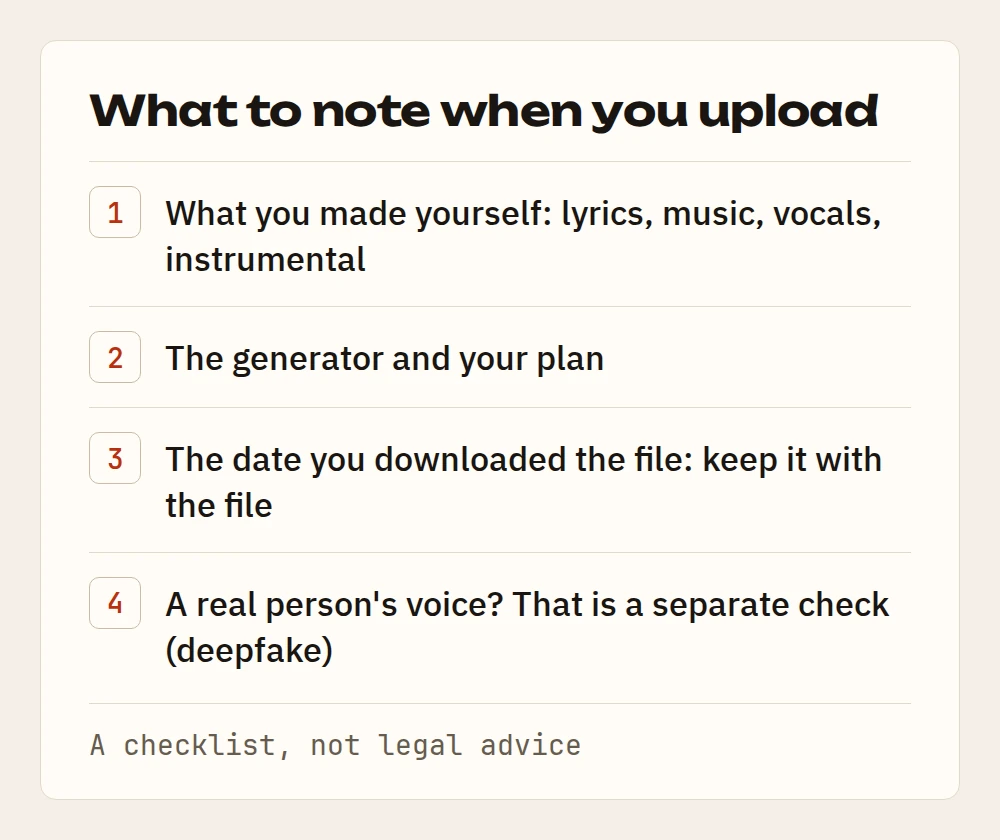
- What you made yourself. Lyrics, music, vocals, instrumental. Write it down part by part: platforms ask about each one.
- The generator and your plan. Generator terms change, so record what applied on the day you created the track.
- The date you downloaded the file. Keep it with the file.
- A real person's voice. If the track imitates a voice, that is a separate check under the deepfake rules.
Cleanup and the label
Cleanup removes the marks a generator leaves in the sound. It does not change where the track came from, and it does not hide that the track was made with AI. It does not touch the label, and it does not promise to get around one. If the file has no marks that cleanup can find, the app says so, the token comes back, and your daily limit is not used up.
Check a track in a minute
- Open Track check and switch on the AI label mode.
- Upload the file you will send to the platform, which is the final master.
- Read the report: what the tags say and what the checklist says.
- Copy the line for the release description and fill in the place for the author's answer.
- Before you submit, make sure your answers on the platform match the report.
If you want to take a Suno track to streaming loudness, the step-by-step guide is How to master a Suno song and make AI music sound professional.
Questions and answers
Does the check tell whether a track was made by AI?
No. The mode reads what is written in the file: the tags and the generator name, if it is there. It does not decide where the sound came from, does not decide whether a label is needed, and does not change the file.
Do I need to label a track if I reworked it myself?
The checklist explains what platforms ask and what the AI Act says. The decision is yours. If you are unsure, open the sources linked in the checklist or ask a lawyer.
Upload a track — the same mastering engine, prices in euros.
Open Echoteka →AI mastering onlineLUFS analyzer