
AI check of your track
Loudness, peaks, dynamics — and plain advice on what to fix before release. 1 token per check; tokens can be earned for free.
How it works
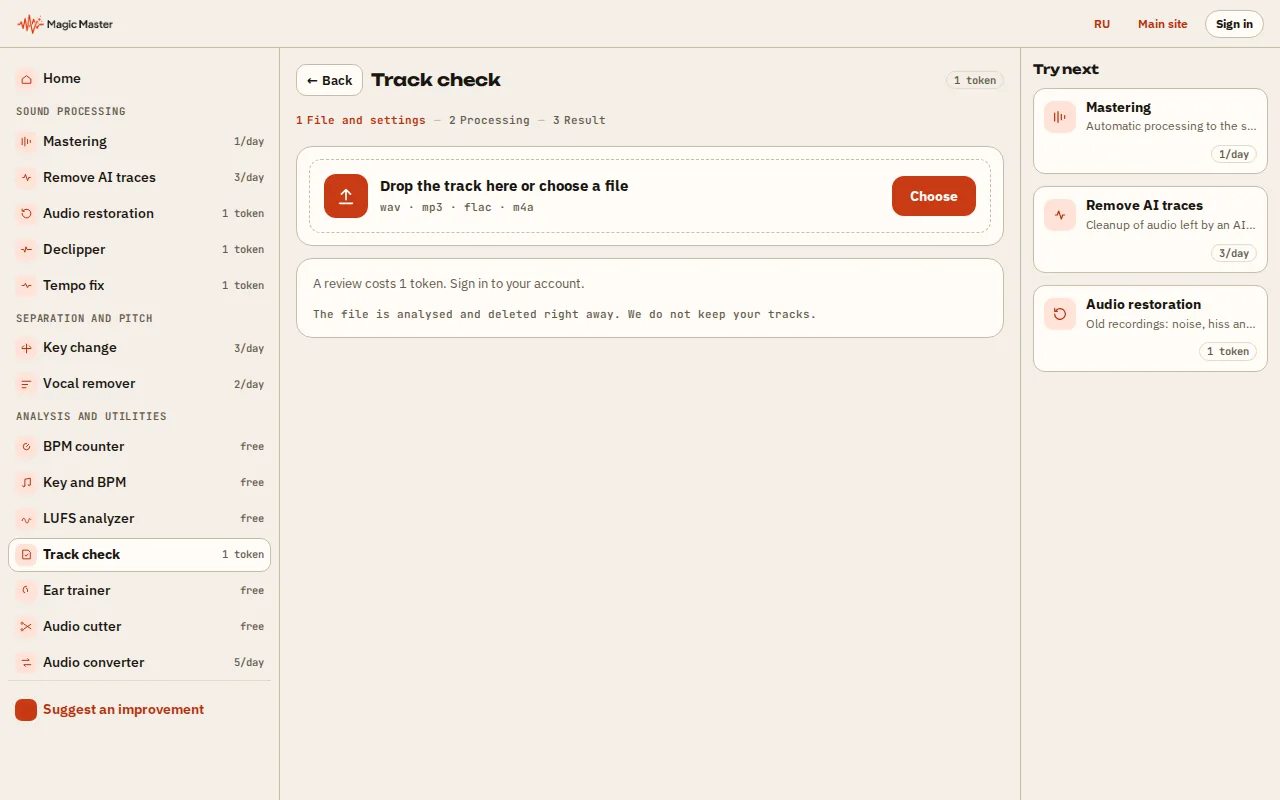
1. Choose a track: WAV, MP3 or FLAC up to 100 MB. 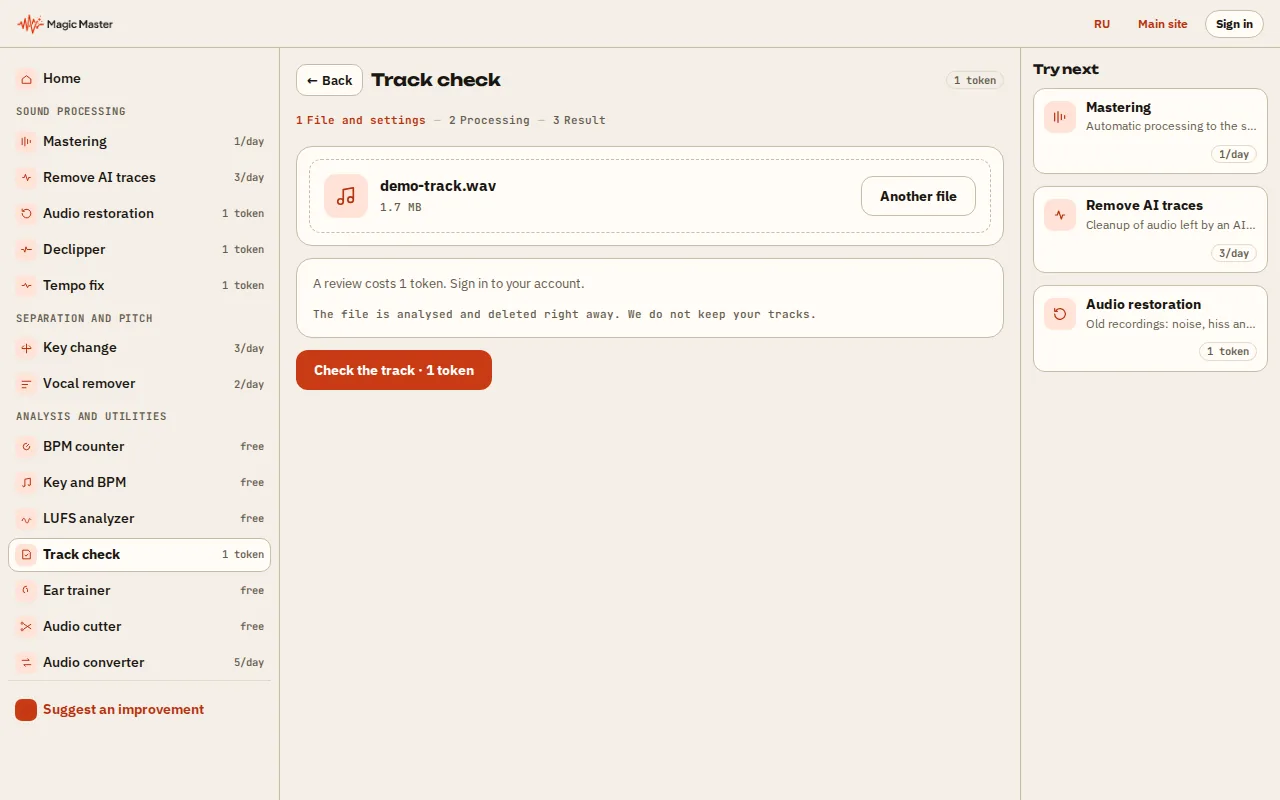
2. Wait for the review: loudness, peaks and dynamics. 3. Read the advice on what to fix before release. 4. Master the track or compare it with a reference.


What you get: A track review with clear advice before release.
What to do before release
Ready to apply the advice in one click?
What the AI check measures
The tool measures the objective metrics — integrated LUFS, peaks and true peak, LRA dynamic range — and turns them into a human verdict: too quiet for streaming, at risk of codec distortion, or over-compressed.
Numbers come with advice: which mastering preset fits, whether Already loud should restore dynamics, and which loudness target matches your platform.
How it differs from the LUFS analyzer
The LUFS analyzer gives you exact numbers — this tool answers 'so what do I do with them?'. If you read metrics fluently, the analyzer is enough; if you want a verdict and an action plan, start here.
How much to trust the advice
Recommendations are built on the same thresholds our mastering uses: platform loudness targets, the −1 dBTP ceiling, sane dynamics bounds. Not taste — streaming standards in plain words.